
01 / BUILDER MŰHELY
Give the offer its own page.
Add the offer, breakfast hours and café address alongside the hero image. Reuse the photo, logo and copy in the campaign artwork.
Open Builder Műhely ↗WEB · CREATIVE · DISPLAY
Follow a café breakfast offer from its website to its in-store display. Three tools share one visual identity.
01 / FOLLOW THE CAMPAIGN
See the Hajnal Café demo offer come together in three steps.
01 / BUILDER MŰHELY
Add the offer, breakfast hours and café address alongside the hero image. Reuse the photo, logo and copy in the campaign artwork.
Open Builder Műhely ↗02 / VIDEODESIGN
Use the same assets to create landscape and portrait versions. Export still images as PNG and animated artwork as MP4.
Open VideoDesign ↗03 / TZSVTAV CLOUD
Upload the exported file to the Cloud media library, add it to a playlist and schedule it on the café TV from 7 to 11 a.m. Use a version sized for the display to show it on an LED wall or digital kiosk.
Open TZSVTAV Cloud ↗Demo scenes · Reuse campaign assets and transfer the exported file to the display workflow.
02 / THE TOOLS
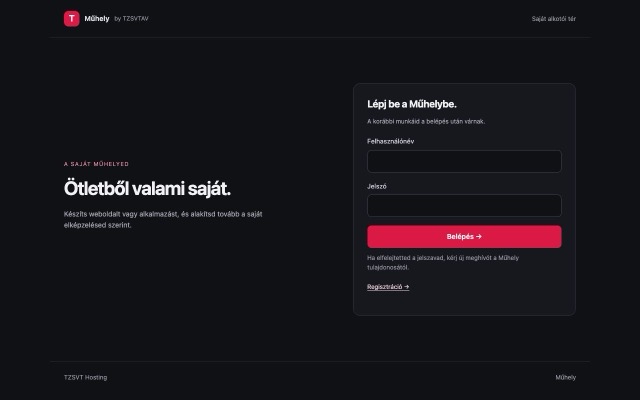
02 / CREATIVE
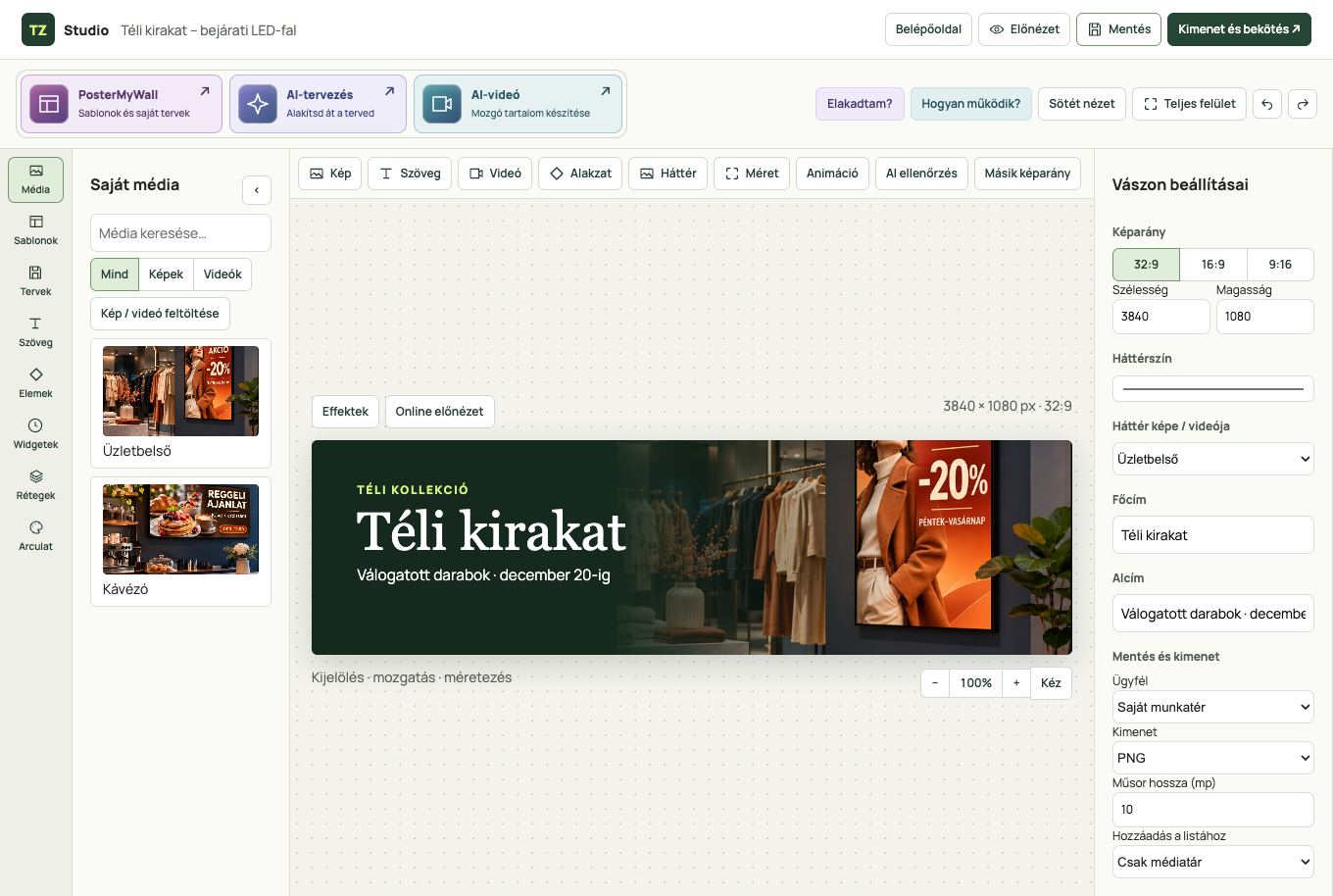
Design posters, animated graphics and short videos for websites, social media and displays.
Open VideoDesign ↗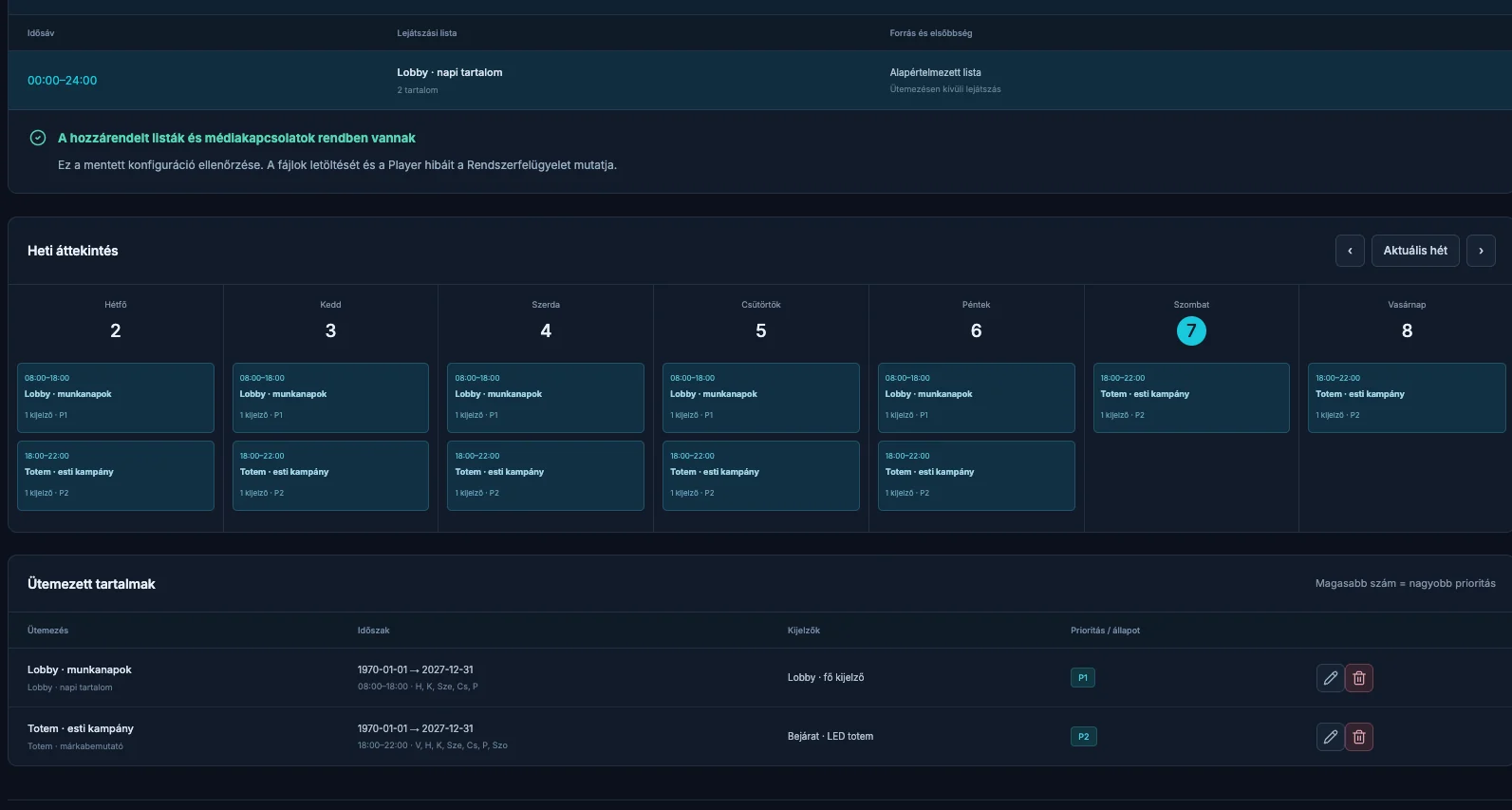
03 / DISPLAY
Manage and schedule what plays on LED walls, commercial TVs and digital kiosks.
Open Cloud ↗03 / CAMPAIGN FILMS
Explore three short sequences and see how each campaign feels on screen.
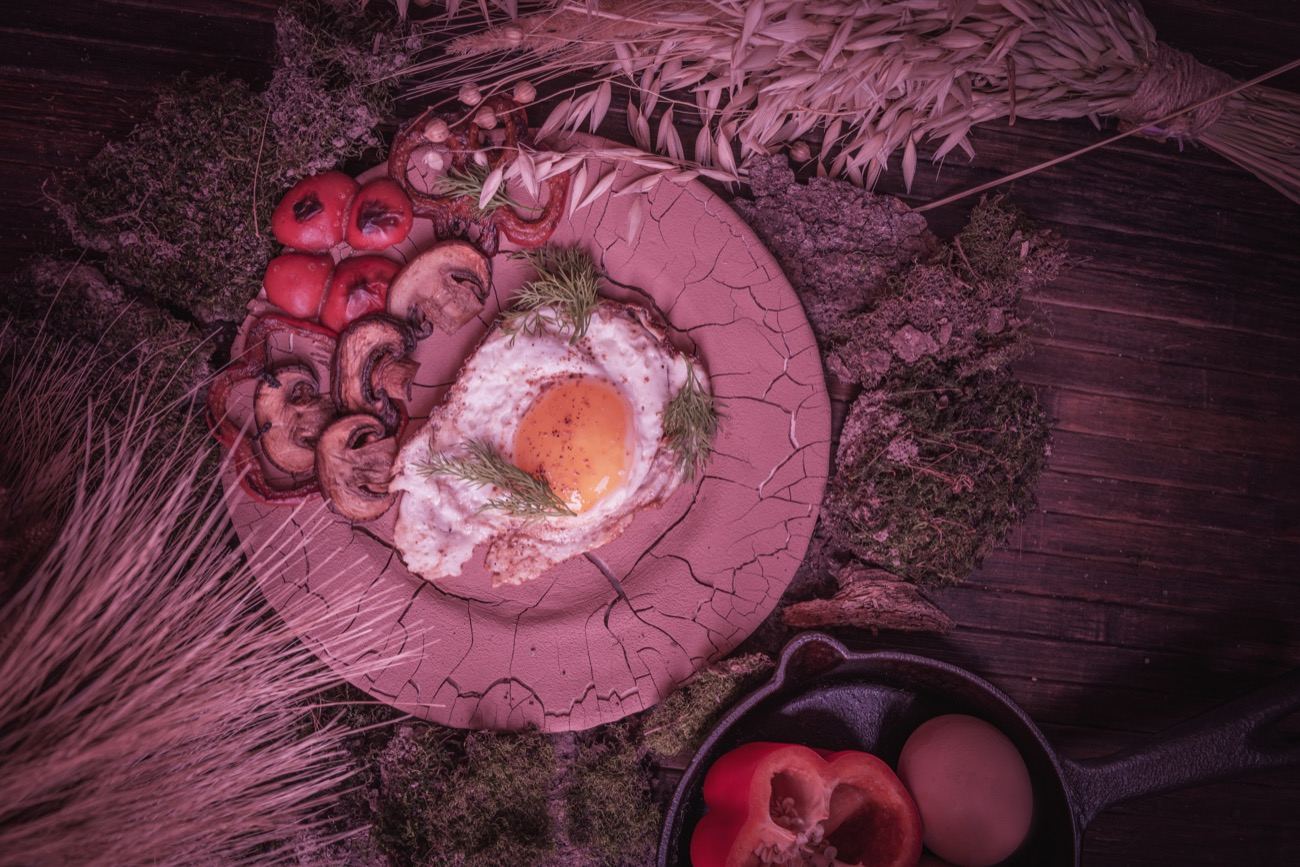
HAJNAL CAFÉ / WEEKEND SPECIAL
SZÍN UTCA / OPENING WEEKEND
FÉNYTÉR / EVENING EVENT
CHOOSE A CAMPAIGN
The brunch offer goes on the sample page and the sequence joins the café’s weekend playlist.
The opening page lists the address and date. Portrait artwork goes in the window and a landscape version plays on the TV inside.
The website presents the programme. The light artwork appears on the entrance kiosk and the stage LED wall.
04 / YOUR CAMPAIGN